
Uizard Review (2026): Features, Pricing & Verdict
AI UI design tool that turns prompts into mockups.
Good — in AI Design
Editorial assessment · scored on the same six criteria
Quick verdict
Uizard is best for rapid prototyping and ideation, offering AI-powered UI generation as its standout strength, fitting teams needing quick mockups. We rate it 3.9/5.
Is Uizard worth it? Short answer
- 1Best for: Design.
- 2Best feature: AI-powered UI generation.
- 3Free plan: Our records list paid plans only — check the official pricing page for any free tier or trial.
- 4Worth paying for? Worth it if it matches your specific need.
- 5Our rating: 3.9/5 (Good).
What is Uizard?
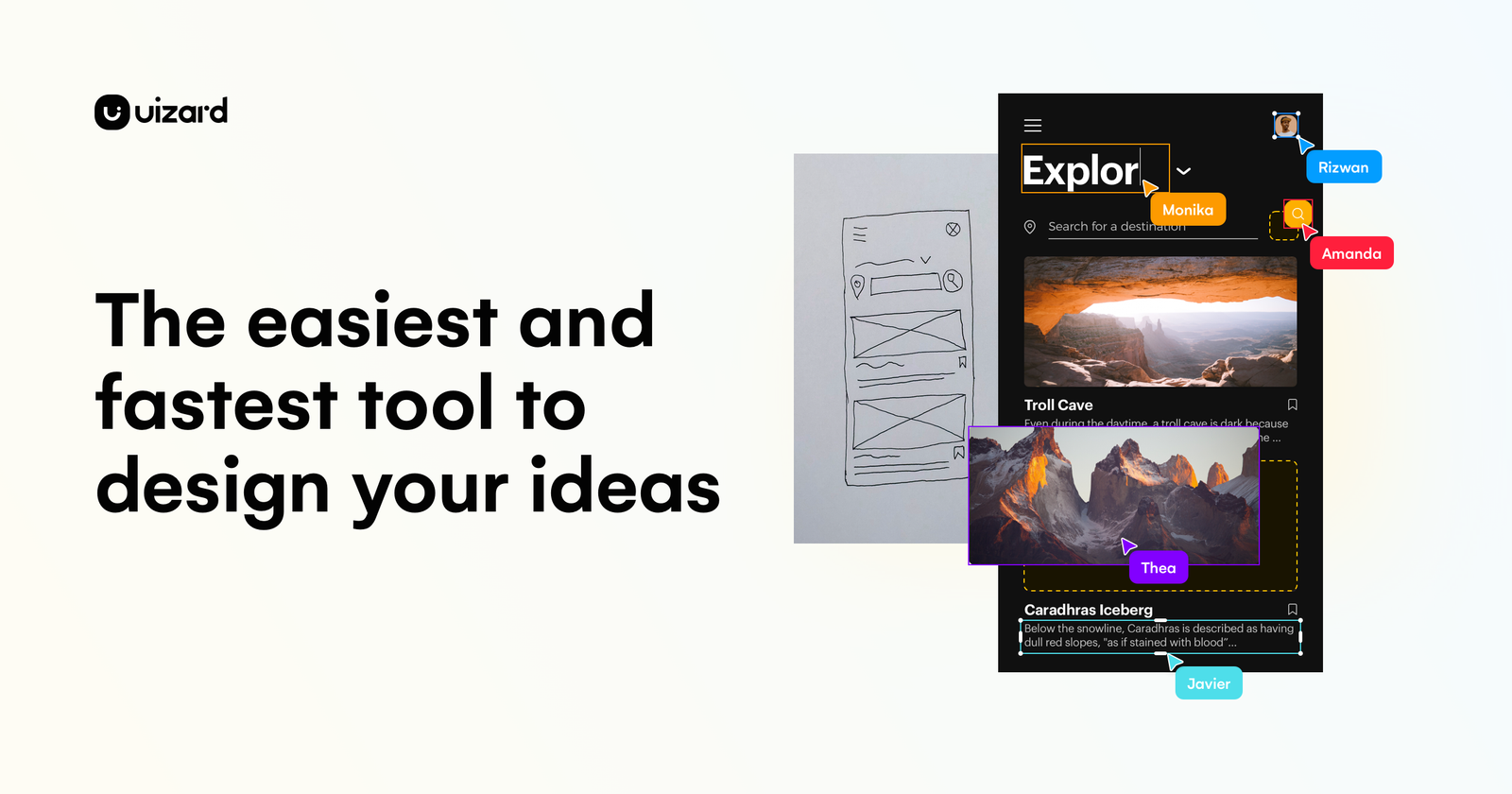
Uizard is an AI-powered UI design tool that enables users to create app, website, and desktop software interfaces. It simplifies the design process by allowing users to generate multi-screen prototypes from text prompts, convert screenshots into editable mockups, and transform hand-drawn wireframes into digital designs. The platform integrates AI features like Autodesigner, which can generate projects, screens, and themes, and allows for real-time collaboration.
This tool is well-suited for product managers, designers, marketers, startup founders, and developers looking to quickly visualize and iterate on digital product ideas. Its standout strength is its AI-driven automation, which significantly speeds up the initial design and prototyping phases. While powerful for rapid ideation and mockups, it may not replace the nuanced control and extensive feature sets of traditional, more complex UI/UX design software for highly detailed or custom design systems.
Key features
- AI-powered UI generation
- Screenshot to editable mockup
- Hand-drawn wireframe digitization
- Text-to-prototype generation
- Real-time team collaboration
- Automated theme generation
How it scores
Pros & cons
PROS
- Rapid prototyping with AI assistance
- Transforms various inputs into digital designs
- Facilitates quick iteration and collaboration
CONS
- May offer less granular control than advanced design tools
- Reliance on AI may limit unique creative expression
- Specific feature limitations are not detailed
Pricing
Paid plans only. Prices last checked Jul 4, 2026 — confirm current pricing on the official site.
Who it’s for
✓ Pick it if
You should pick Uizard if your priority is quickly transforming ideas, sketches, or screenshots into editable UI designs with AI assistance.
✗ Skip it if
You should skip Uizard if you require pixel-perfect control, advanced animation capabilities, or deep integration with developer handoff tools; consider Figma or Adobe XD for those needs.
Uizard alternatives
Frequently asked questions
Is Uizard worth the investment for small teams?+
Does Uizard offer a free plan?+
How does Uizard compare to traditional design tools like Figma?+
The bottom line
Uizard positions itself as a strong contender for designers and teams prioritizing speed and AI-assisted creation in the early stages of UI/UX development. While its AI capabilities streamline initial design, users seeking extensive customization or advanced features found in more mature design ecosystems might find it limiting. Its freemium model allows for accessible entry into AI-powered design.
Get the verdict before you pay.
One short, no-hype email a month — the AI tools actually worth your money.
Independently assessed by AI Tools Worth on documented capabilities, pricing and reputation — scored on the same six criteria (editorial assessment, not hands-on). We may earn a commission from some links — it never affects the score. Prices last checked Jul 4, 2026; always confirm current pricing on the official site.