
Speechify Review (2026): Features, Pricing & Verdict
AI text-to-speech that reads anything aloud in natural voices.
Excellent — in AI Audio & Voice
Editorial assessment · scored on the same six criteria
Quick verdict
Speechify is best for users needing versatile text-to-speech and advanced voice generation across platforms, with its cross-platform availability being a standout strength for diverse workflows. We rate it 4.5/5.
Is Speechify worth it? Short answer
- 1Best for: Voice generation.
- 2Best feature: Text-to-speech for various formats.
- 3Free plan: Our records list paid plans only — check the official pricing page for any free tier or trial.
- 4Worth paying for? Yes — it earns its price for the use case above.
- 5Our rating: 4.5/5 (Excellent).
What is Speechify?
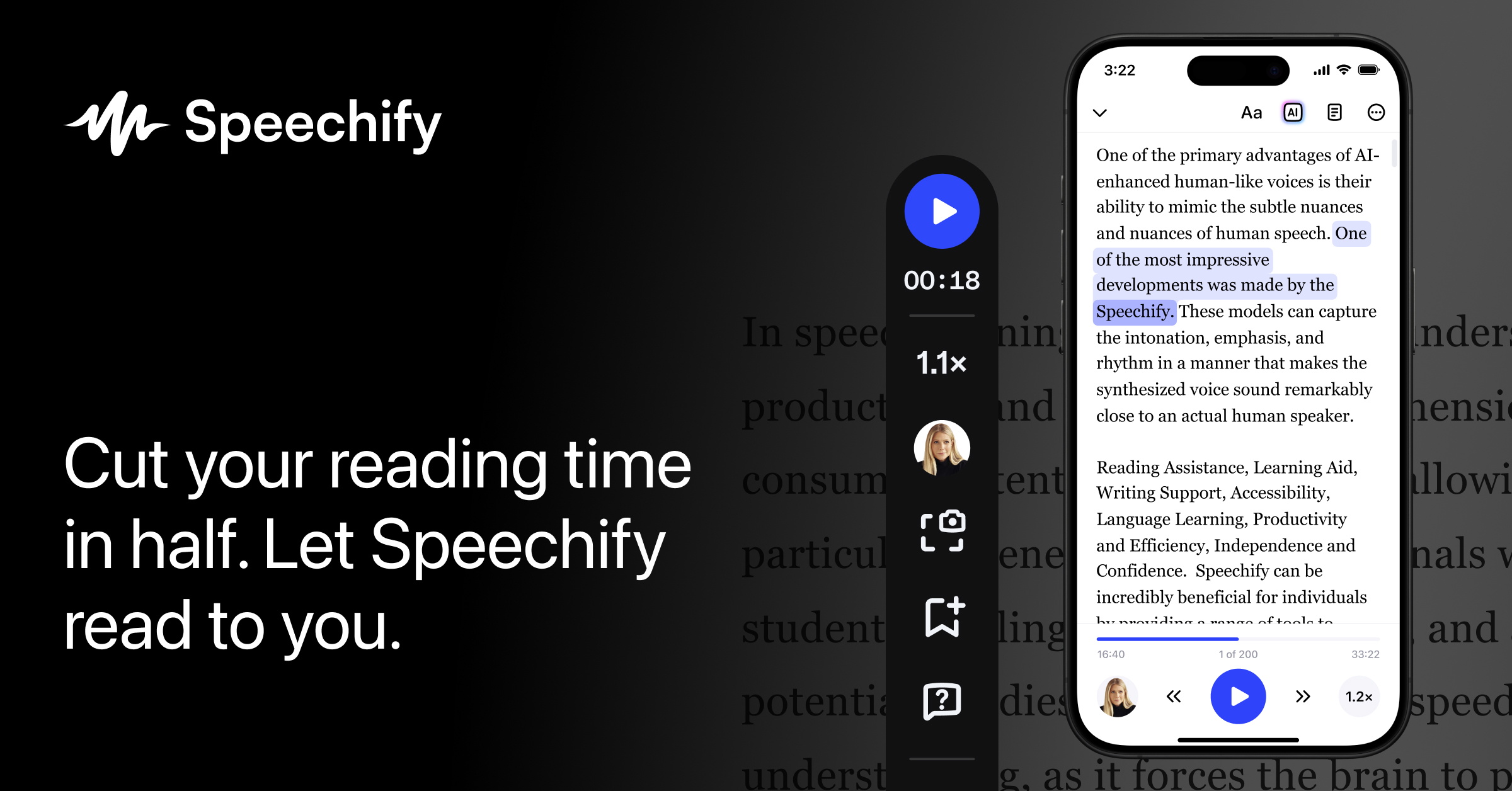
Speechify is a text-to-speech and voice typing platform that converts written content into natural-sounding audio and allows users to dictate text. It functions across various devices and platforms, including web, desktop, and mobile apps, as well as browser extensions. Users can listen to documents, PDFs, web pages, and books, or utilize its voice typing feature for faster content creation.
This tool is suitable for individuals who consume a large amount of written content, require accessibility features, or wish to improve writing efficiency through dictation. Its primary strength lies in its broad platform compatibility and diverse range of voice-related AI features, from basic text-to-speech to voice cloning. It may not be ideal for users seeking highly specialized audio editing or professional voice acting tools.
Key features
- Text-to-speech for various formats
- Voice typing and dictation
- AI voice generator
- Voice cloning and dubbing
- Cross-platform applications
- AI assistant for quick answers
How it scores
Pros & cons
PROS
- Reads aloud diverse content types
- Available across multiple operating systems and browsers
- Offers advanced AI voice capabilities like cloning and dubbing
CONS
- Specific advanced features may require a learning curve
- Reliance on an internet connection for full functionality
- Free version may have usage limitations
Pricing
Paid plans only. Prices last checked Jul 4, 2026 — confirm current pricing on the official site.
Who it’s for
✓ Pick it if
You should pick Speechify if you require a comprehensive text-to-speech solution that integrates advanced AI voice features and works seamlessly across multiple devices.
✗ Skip it if
You should skip Speechify if you need a purely offline text-to-speech tool or if basic reading aloud is your only requirement, as simpler, dedicated apps might suffice.
Speechify alternatives
Frequently asked questions
Is Speechify worth the investment for advanced features?+
Does Speechify offer a free plan or trial period?+
How does Speechify compare to other popular text-to-speech tools?+
The bottom line
Speechify stands out as a robust freemium text-to-speech and AI voice generation tool. Its extensive cross-platform compatibility and advanced features like voice cloning cater to a wide user base, from students to professionals. While some advanced functionalities may present a learning curve and require an internet connection, its overall utility and comprehensive ecosystem make it a strong contender in the market.
Get the verdict before you pay.
One short, no-hype email a month — the AI tools actually worth your money.
Independently assessed by AI Tools Worth on documented capabilities, pricing and reputation — scored on the same six criteria (editorial assessment, not hands-on). We may earn a commission from some links — it never affects the score. Prices last checked Jul 4, 2026; always confirm current pricing on the official site.