
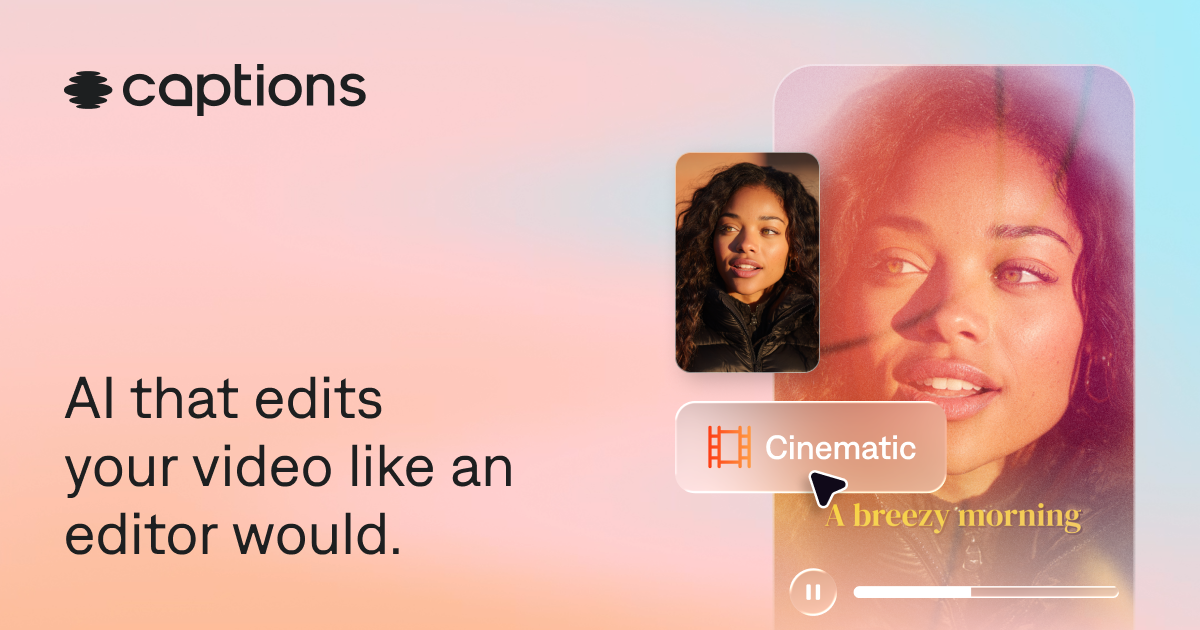
Captions Review (2026): Features, Pricing & Verdict
AI video creation and editing app for talking-style videos.
Great — in AI Video
Editorial assessment · scored on the same six criteria
Quick verdict
Captions is best for content creators needing rapid, AI-driven video production, excelling in automatic captioning and translation for global reach. We rate it 4.1/5.
Is Captions worth it? Short answer
- 1Best for: Video generation.
- 2Best feature: AI-powered video editing.
- 3Free plan: Our records list paid plans only — check the official pricing page for any free tier or trial.
- 4Worth paying for? Worth it if it matches your specific need.
- 5Our rating: 4.1/5 (Great).
What is Captions?
Captions is an AI video generator and editor designed to streamline video creation. It allows users to upload raw footage, which its AI then processes to produce a fully edited video. Key capabilities include automatic scene cutting, B-roll overlays, and the generation of captions or translated subtitles. The platform also supports creating custom avatars and AI actors from selfies or digital twins.
This tool is best for content creators, businesses, and individuals who need to produce professional-looking videos efficiently, regardless of their editing experience. Its standout strength is the AI Edit feature, which automates much of the video creation workflow, making advanced edits accessible via simple prompts. While powerful for automated editing, users seeking highly granular, frame-by-frame manual control might find its AI-driven approach less suitable.
Key features
- AI-powered video editing
- Automatic caption and subtitle generation
- Video translation and dubbing
- Custom AI avatar and actor creation
- Background noise removal
- Eye contact correction
How it scores
Pros & cons
PROS
- Transforms raw footage into edited videos automatically
- Simplifies complex editing tasks with AI and chat prompts
- Supports multilingual content creation with translation and dubbing
CONS
- Reliance on AI may limit granular manual control
- Specific editing styles are AI-determined, though customizable
Pricing
Paid plans only. Prices last checked Jul 4, 2026 — confirm current pricing on the official site.
Who it’s for
✓ Pick it if
You should pick Captions if you prioritize speed and AI assistance for video editing, especially for social media or multilingual content.
✗ Skip it if
You should skip Captions if you require extensive manual control over every editing detail or prefer traditional, non-AI-driven editing suites.
Captions alternatives
Frequently asked questions
Is Captions suitable for professional video production?+
Does Captions offer a free version or trial?+
How does Captions compare to traditional video editing software?+
The bottom line
Captions is a powerful AI-driven tool for video content creation, particularly strong in automating tasks like captioning, translation, and basic editing. Its freemium model makes it accessible, though users seeking deep manual control might find its AI-centric approach limiting. It's an excellent choice for creators prioritizing efficiency and multilingual content.
Get the verdict before you pay.
One short, no-hype email a month — the AI tools actually worth your money.
Independently assessed by AI Tools Worth on documented capabilities, pricing and reputation — scored on the same six criteria (editorial assessment, not hands-on). We may earn a commission from some links — it never affects the score. Prices last checked Jul 4, 2026; always confirm current pricing on the official site.